With a simple click on an entry in the tab bar, a window is brought to the foreground. The menu bar of the main window changes accordingly, and adapts in a context sensitive manner to the window that is centered in the foreground.
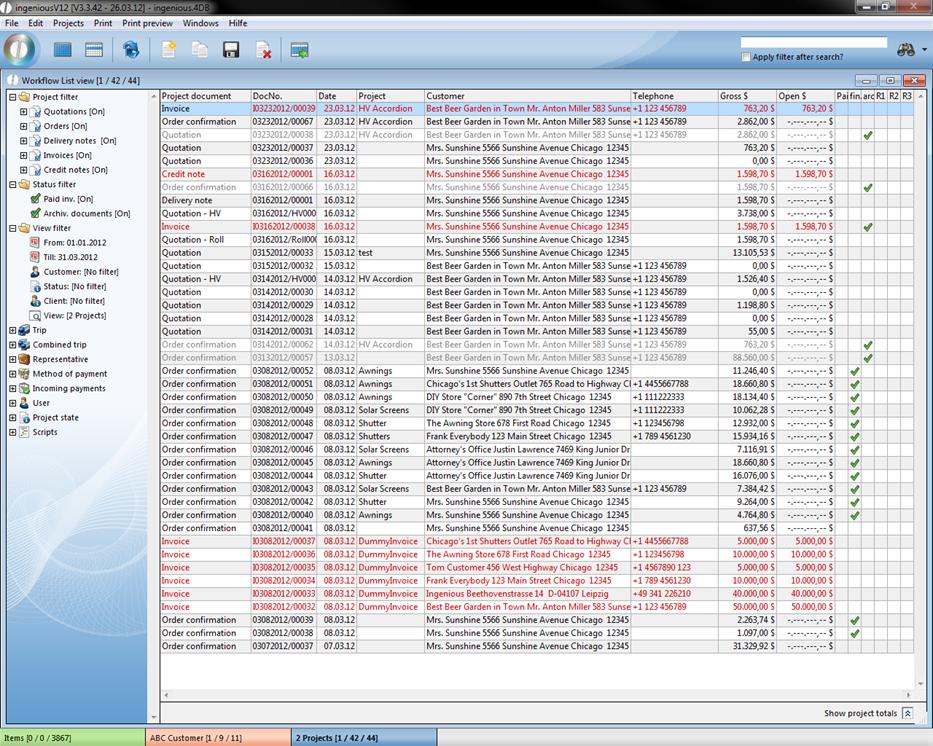
View of multiple windows in Ingenious.V12
With a mouse-click, the menu instructions can be retrieved and implemented in the selected module. Anything within the work area of the windows opened by Ingenious.V12 has its own icon bar with self-explanatory icons.
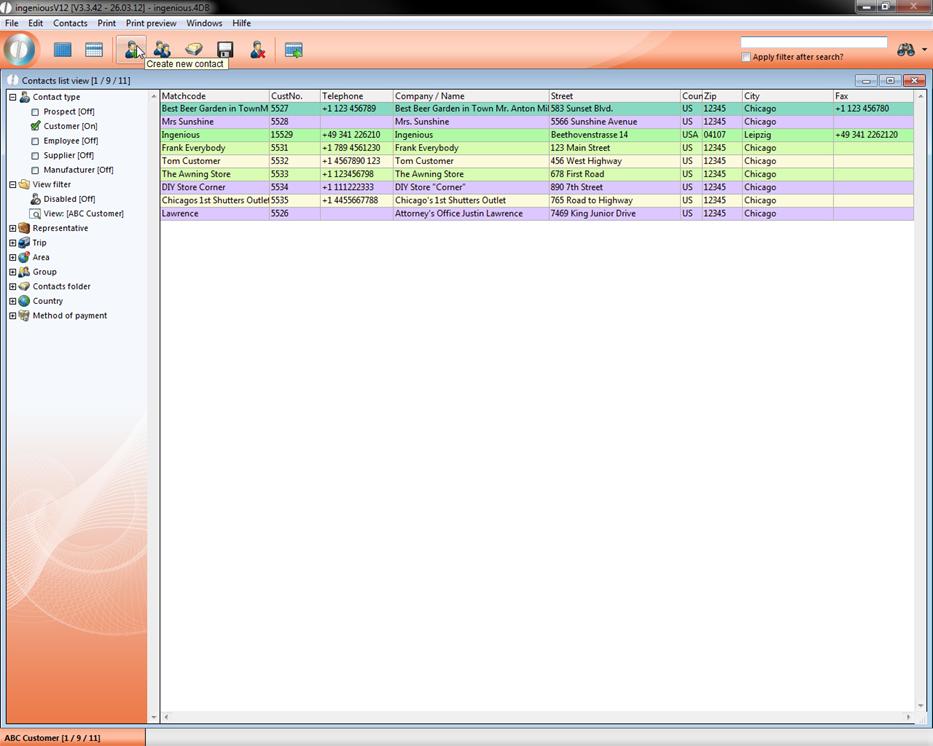
View of the icon list
Thus one can easily implement instructions with the click of a mouse. If the meaning of an icon should not open for you immediately, it is sufficient to keep the cursor of the mouse over an icon. Within a short time, significant explanation texts appear.